Don't know your password?
Solution 1
You can ask your school administrator to give you your WebUntis password.
Solution 2
You can implement WebUntis QR-code authentication into this website your self.
Here the link for the related GitHub issue: https://github.com/dein-ding/webuntis-utils/issues/18
This would enable the following login workflows:
- Go to the webuntis dashboard
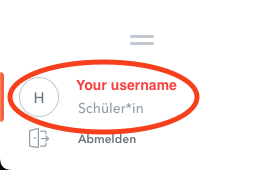
- Click on your username
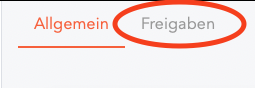
- Switch to the next tab
- Click this button to reveal the data
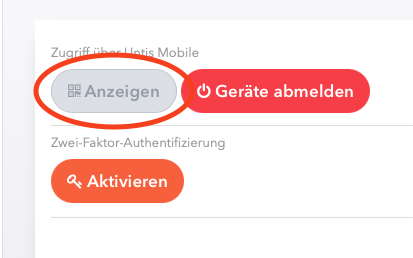
- Do one of the following:
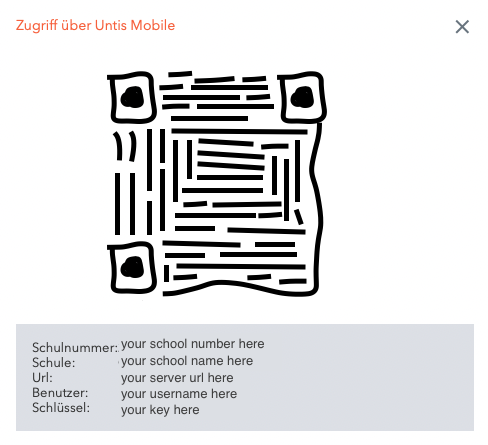
- Scan the QR-Code and copy the decoded string into the input box, which would show up here.
- Copy/Paste all the data manually into the form that would show up here.